
2.5D
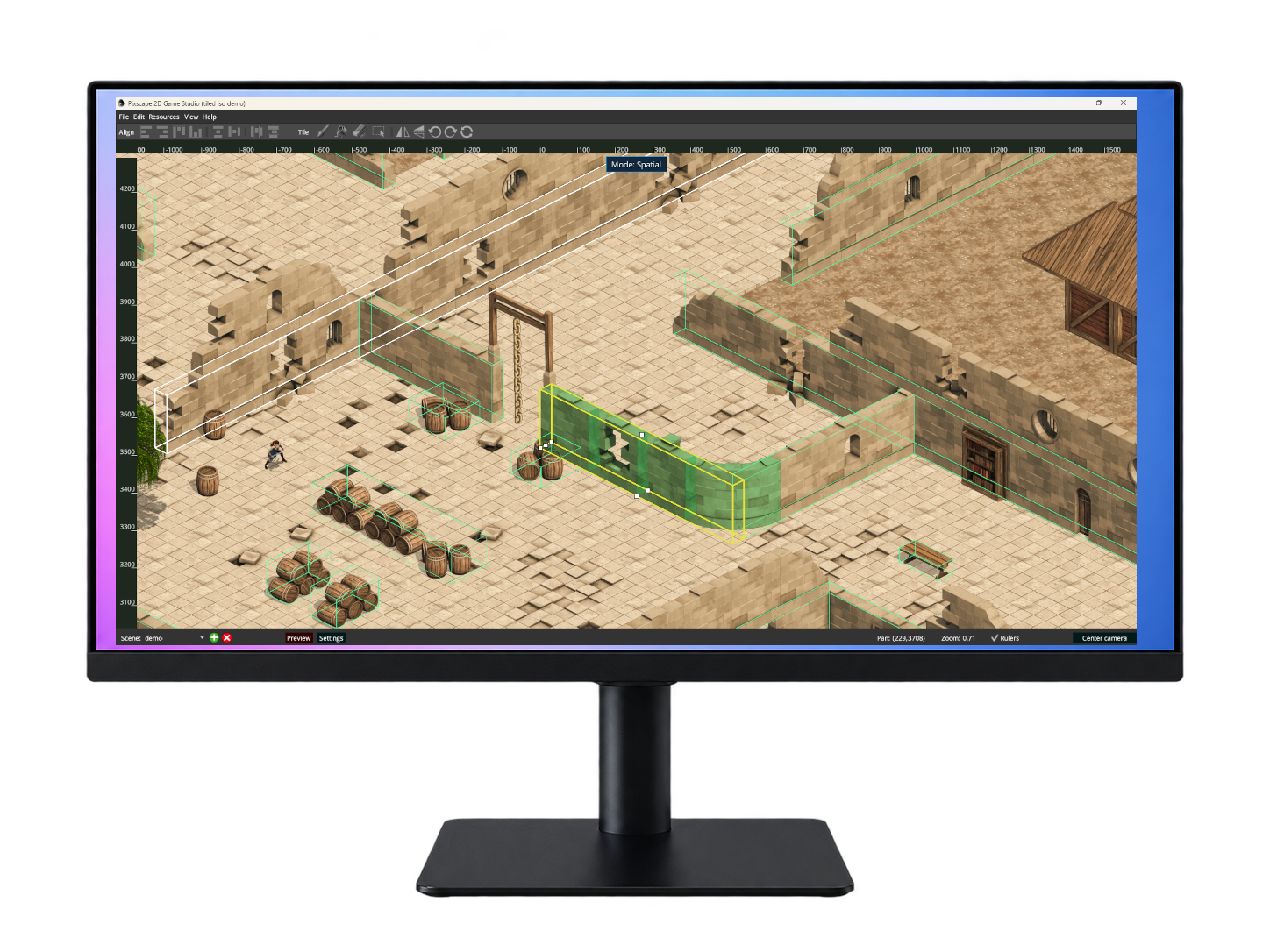
Give sprites and tiles depth with wall volumes, heights, and actor footprints. Characters move naturally in front of and behind scenery in orthographic and isometric worlds.
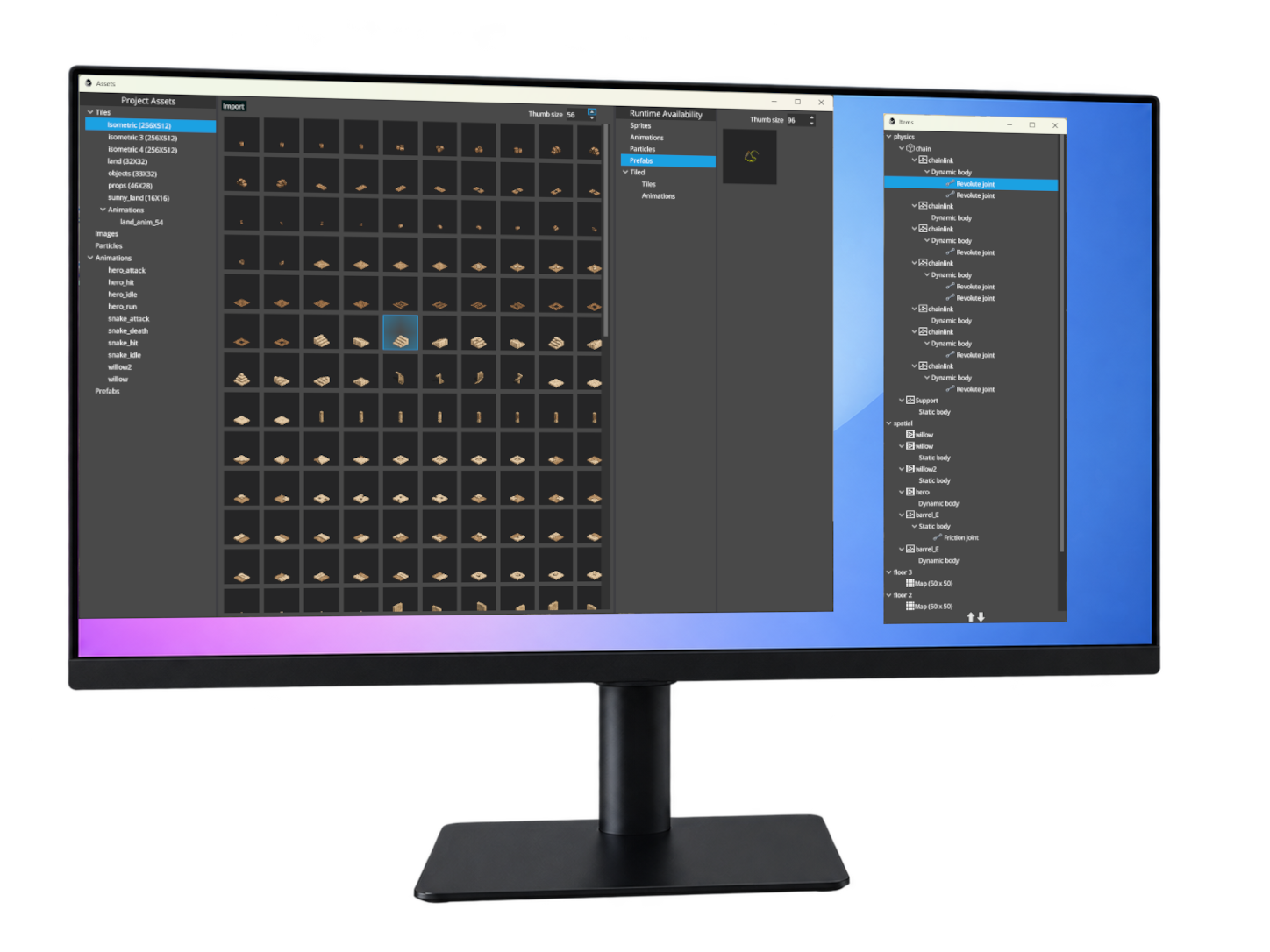
Create scenes, tiled worlds, physics, animations, particles, and pseudo-3D depth visually. Write your gameplay in Java and keep using LibGDX alongside Pixscape.
GitHubOpen-source Studio and Runtime Apache 2.0 No royalties No runtime fees
Give sprites and tiles depth with wall volumes, heights, and actor footprints. Characters move naturally in front of and behind scenery in orthographic and isometric worlds.
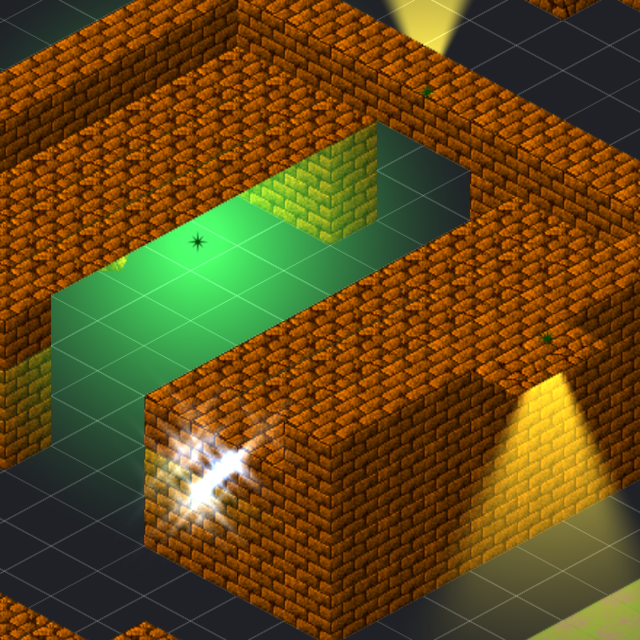
Import supported Tiled .tmx maps with tilesets, collisions, and preflight diagnostics.
Author bodies, fixtures, and collisions visually for runtime-ready scenes.
Import animations from LibGDX texture atlases or sprite sheets, organize reusable clips, and combine multiple animations on a character.
Design and preview particle effects within the same visual workflow.
Combine sprites, animations, lights, particles, and physics into reusable objects. Build a character carrying a lamp, then spawn it from your Java gameplay code.
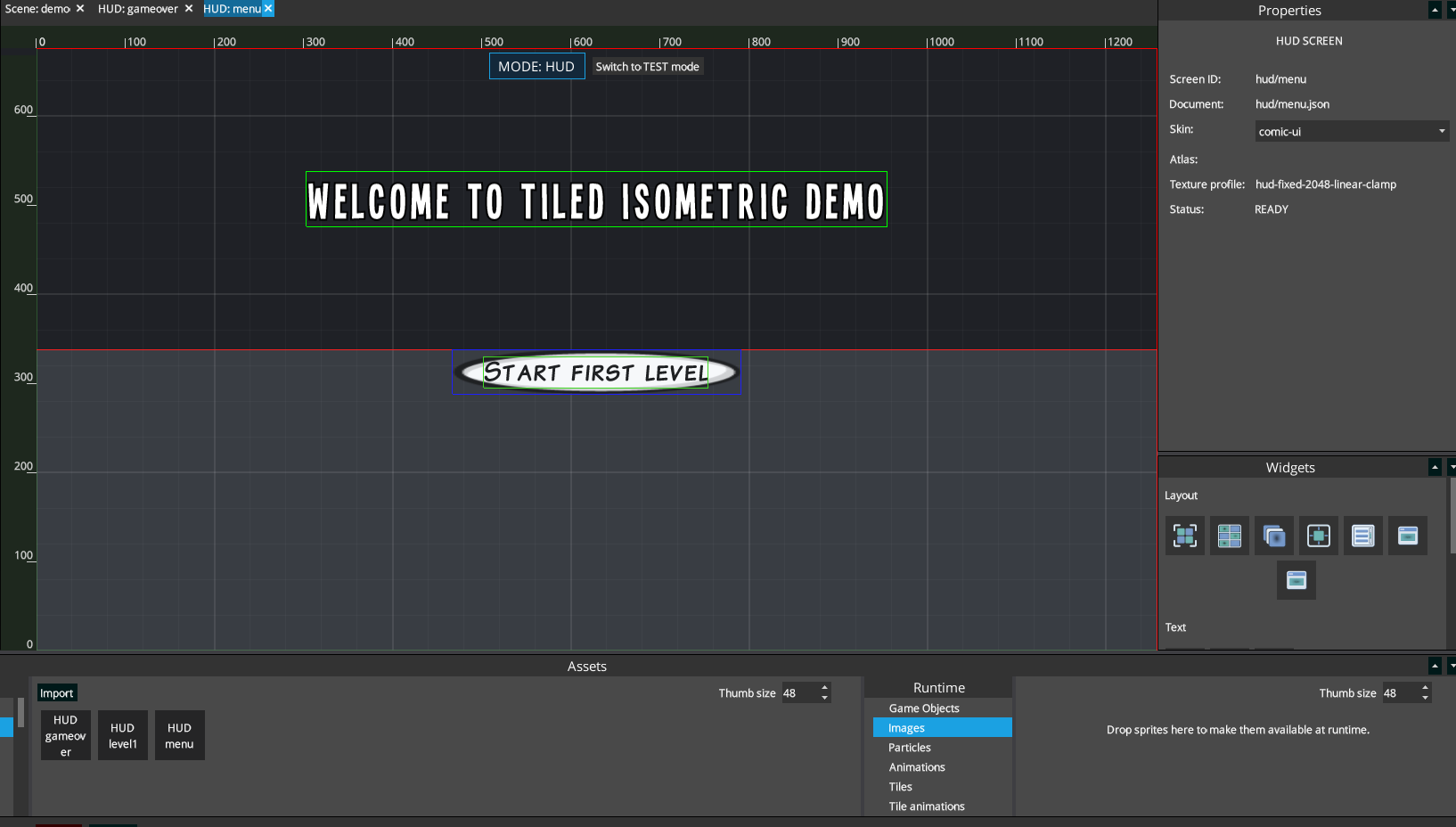
Build responsive game interfaces visually, with flexible layouts, interactive widgets, reusable dialogs, and animated text powered by Textra.
Light orthographic and isometric worlds with point and cone lights, normal maps, and hard or PCF-filtered shadows. Enable lighting independently for each scene.
Create Lit materials that respond to scene lighting or Unlit materials that keep their own colours. Use shared cutout masks to dissolve sprites and their shadows together.
Compose, transform, deform, organize, and repeat sprites directly in your game scenes.
Create layered backgrounds with configurable depth and scrolling behavior.
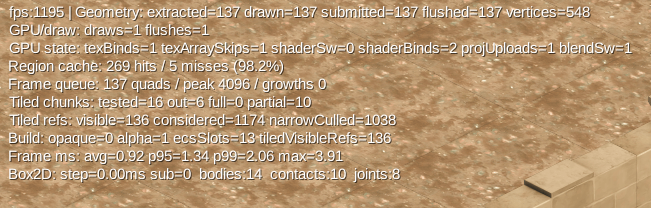
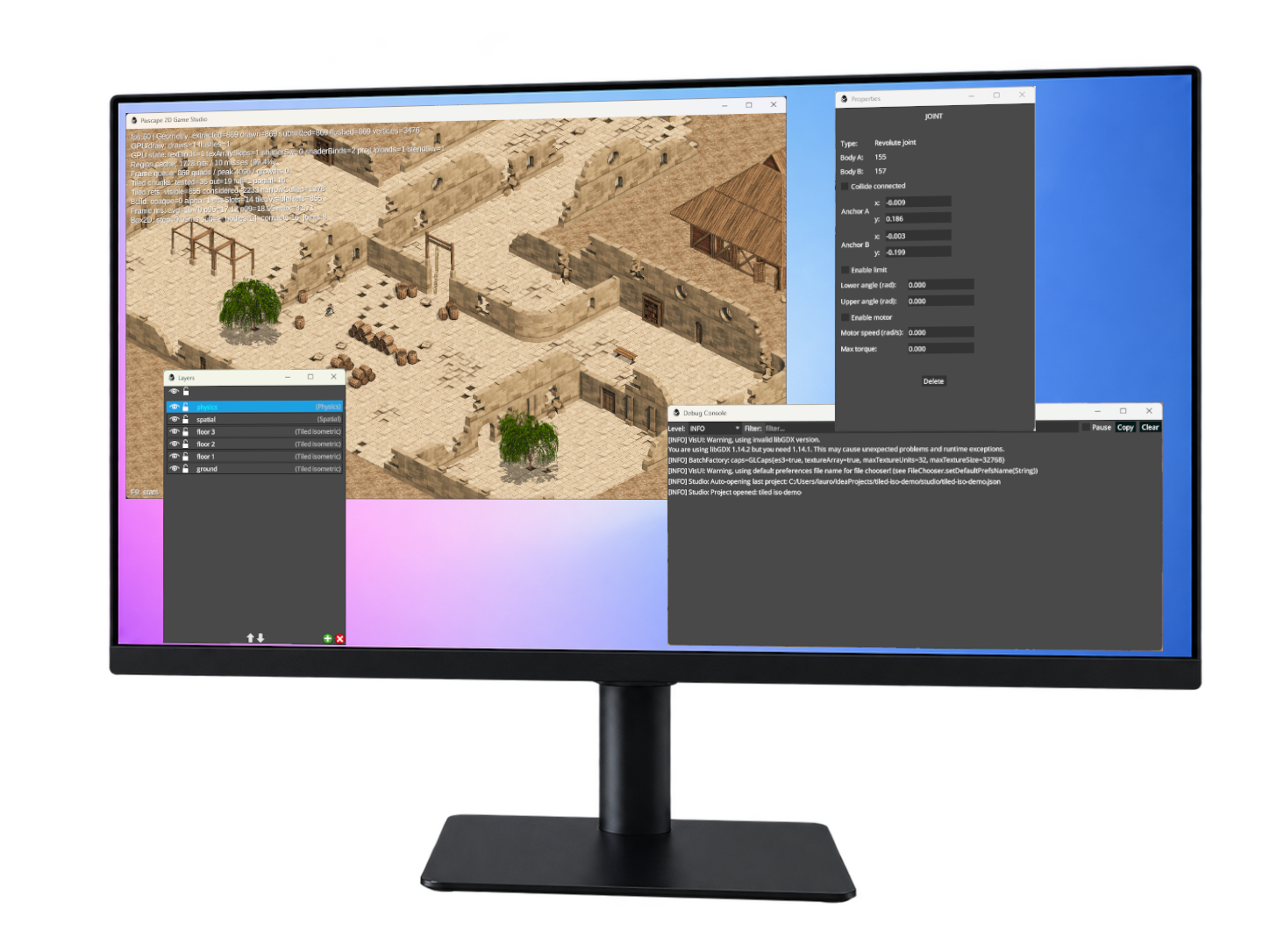
Preview scenes directly in Desktop or HTML, with live performance metrics for rendering, frame time, Tiled maps, caching, and physics.
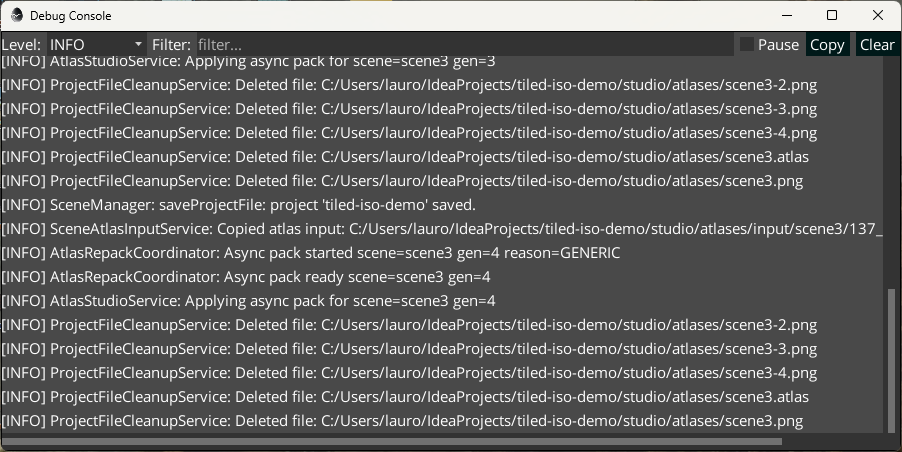
Inspect Studio logs and diagnostics in a dedicated debug window while building and testing your scenes.
Pixscape Studio Free 0.4.2 includes visual HUD editing and simultaneous editing of multiple scenes in document tabs.
Dock and detach panels across multiple screens to build a workspace that fits your workflow.
Built on LibGDX
Pixscape Runtime adds an opinionated 2D game-engine layer to LibGDX. Use Pixscape
Studio to author your game visually, while Pixscape Runtime owns the managed world
and rendering pipeline. Gameplay and application logic stay in Java, and regular
LibGDX code can run alongside Pixscape, including after engine.render().
Build scenes, tiled worlds, physics, animations, particles, lighting, and spatial environments visually.
No proprietary scripting language. Your gameplay and application logic stay in Java.
Keep using LibGDX APIs and ecosystem libraries alongside Pixscape. After the Pixscape world is rendered, you can continue with regular LibGDX rendering as usual.
Pixscape gives Java developers a visual game-engine workflow built on the LibGDX foundation.
Try Pixscape in 10 MinutesAdd visual authoring and a structured 2D runtime while keeping your existing LibGDX knowledge and Java workflow.
Pixscape for LibGDX developersSee Pixscape in action
A playable demo built with Pixscape Studio and Runtime, combining an isometric Tiled map, 2.5D depth, physics, animations, particles, Game Objects, and simple combat.
Latest release
Free desktop editor for Windows, Linux, and macOS. Compatible with Pixscape Runtime 0.2.4.
Roadmap
Import Tiled object layers and custom properties into Pixscape scenes, preserving richer level-design data and gameplay metadata.
Edit render geometry directly in Studio for more flexible 2D and isometric scene composition.
Author reusable hierarchical Game Objects on top of Pixscape's ECS architecture, while retaining ECS entities underneath at runtime.
Light 2.5D environments with depth-aware lighting, optional normal maps, and dynamic shadows for actors and scenery.
Edit multiple scenes simultaneously in document tabs, each with its own editing context.
Import and use Spine skeletal animations in Pixscape Studio and Runtime.
Optionally snap only the final camera rendering position to the screen pixel grid for crisp pixel-art scrolling, while the logical camera keeps smooth subpixel motion.
Reflect content and project changes in the running game without requiring a restart.
Build reusable Pixscape-native libraries with custom Runtime systems, APIs, assets, and eventually Studio authoring tools.
Connect a compatible AI assistant to Pixscape Studio to create and edit scenes, build HUDs, adjust lighting, and inspect the results—all through natural-language instructions.
Explore a TeaVM-powered web player to bring Pixscape games to the browser with a modern Java-to-JavaScript toolchain.
Investigate a C# / MonoGame runtime that could bring Pixscape-authored games to consoles while preserving the visual creation workflow. This direction requires technical validation and depends on platform access requirements. Automatic compatibility with Java gameplay is not assumed.